Online courses may contain links to PDFs and/or external links that open in a new window. Within the course, after clicking a button or link to open an external document or link, always go back to the course window (not the myLearning window).
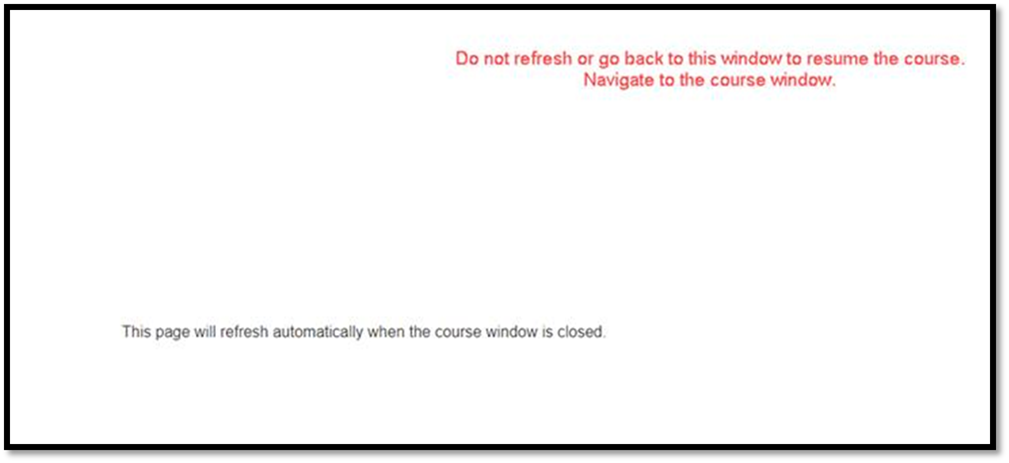
To navigate back and select the original course window, select the browser icon on the taskbar that was used to open the course. In this instance, Chrome was used to open the course.
After selecting the browser icon, two or more windows may appear. Find the original course window.
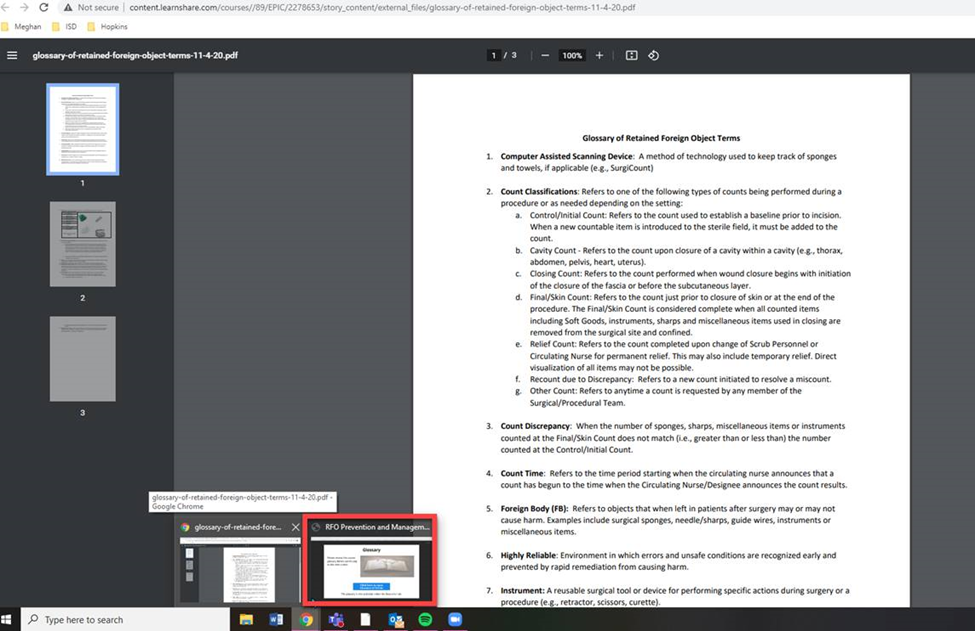
After selecting the course window, proceed through the course accordingly.
Was this article helpful?
That’s Great!
Thank you for your feedback
Sorry! We couldn't be helpful
Thank you for your feedback
Feedback sent
We appreciate your effort and will try to fix the article